

Password resets and account lockouts
If you have had an account with us in the past, we have a password and security question on file for you. If you repeatedly enter information that does not match what you entered when you set up your account, you will need to call us to have a temporary password mailed to you.
The Unemployment Insurance Program has very strict password and security standards to protect you from identity theft. You must call Customer Service to regain access to your account after a lockout and reset your password. The only way that we can reset your password is by verifying your identity over the phone and mailing you a temporary password.
If you have changed your name or address since you last had an account with us we will ask you to send us other documents to verify your identity. The staff person you talk to will not be able to expedite this process; you will have to wait until you get the form to reset your password and access your account.
We understand that you may be frustrated with being locked out of your account. Again, data security is a top priority for Unemployment Insurance, and we are unable to change the password reset process at this time. Thank you for your understanding.
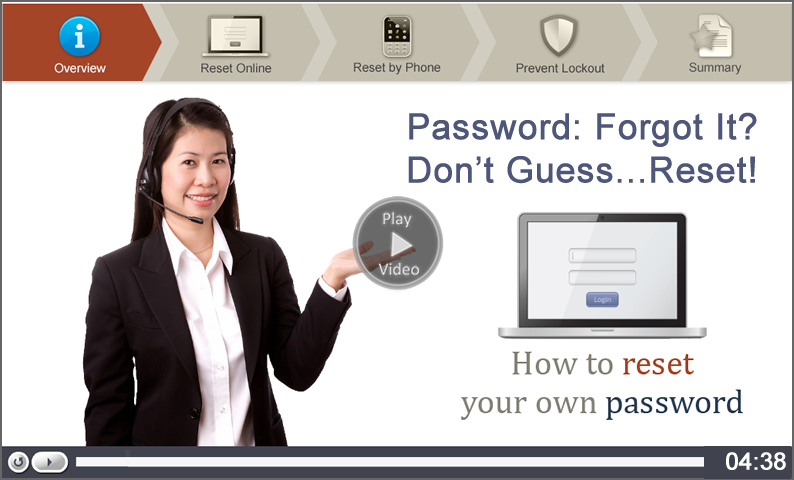
Forgot your password?
If you have forgotten your password, you can reset it:
- Online:
- Select Log in to My Account
- In the Existing Applicants section , select the "Forgot your password" link and follow the prompts.
- If you forgot the answer to your security question, use the phone and follow the instructions below.
- By phone:
- Call the automated phone system.
- Twin Cities area: 651-296-3644
- Greater Minnesota: 1-877-898-9090 (Toll Free)
- Teletypewriter (TTY): 1-866-814-1252
- Make your language choice - English, Spanish, Hmong, or Somali.
- Enter your Social Security number. When you hear the prompt to enter your password, press the # key.
- Call the automated phone system.
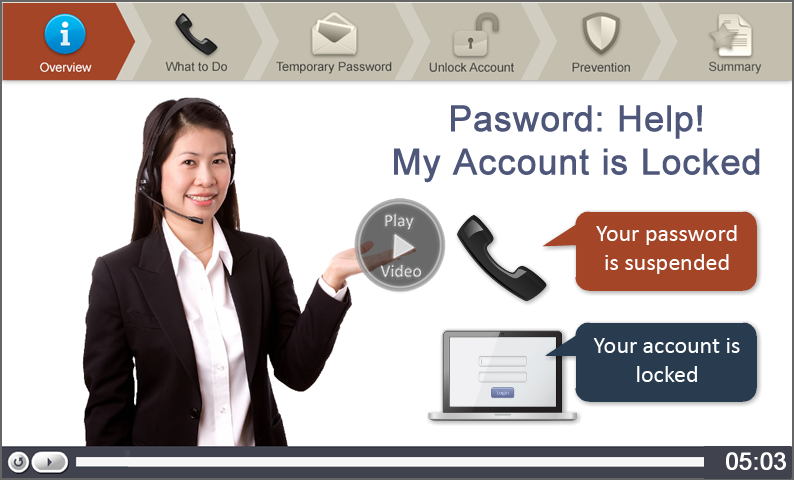
Locked out of your account?locked
If you are locked out of your account - access is no longer available. If this happens, you must speak to a customer service representative to have your account unlocked. After your identification is verified, you will be mailed a temporary password.
To speak with a representative:
- Call the automated phone system.
- Twin Cities area: 651-296-3644
- Greater Minnesota: 1-877-898-9090 (Toll Free)
- Teletypewriter (TTY): 1-866-814-1252
- Make your language choice - English, Spanish, Hmong, or Somali.
- Enter your Social Security number.
- When you hear the prompt to enter your password, press the # key.
- Press 2 to have a temporary password mailed to you. You will need to remain on the line to speak with a representative. You will be asked questions to confirm your identity so your private information is kept secure.
Video tutorials are provided to assist you in using Minnesota’s Applicant Self-Service System. Every effort has been made to ensure that the information provided is accurate and conforms with both Minnesota and Federal Unemployment Insurance Law. Statements are intended for general information only and do not have the effect of the law. If you have a question about your benefit account, call Customer Service.